Why I am testing Microsoft Copilot now
More than 450 million paid Microsoft 365 commercial seats. Outlook, Teams, Word, and SharePoint shape day-to-day work in organizations around the world. Yet Copilot often seems surprisingly peripheral in the public AI debate.
ChatGPT, Claude, and Gemini are discussed constantly. Microsoft, meanwhile, already sits inside our inboxes, meetings, documents, and company data. That is precisely why Copilot may become the first AI assistant many employees encounter not as a separate experiment, but directly inside their daily work.
That contrast interests me. Over the coming weeks, I will examine Microsoft Copilot more closely and systematically integrate it into my own work. This will not be a short product demo, but a test with real tasks. I want to find out where Copilot saves time, where it disappoints, and which conditions determine whether an existing license becomes a useful working tool.
Before that practical test begins, however, a surprisingly difficult question needs an answer: what exactly is Microsoft Copilot?
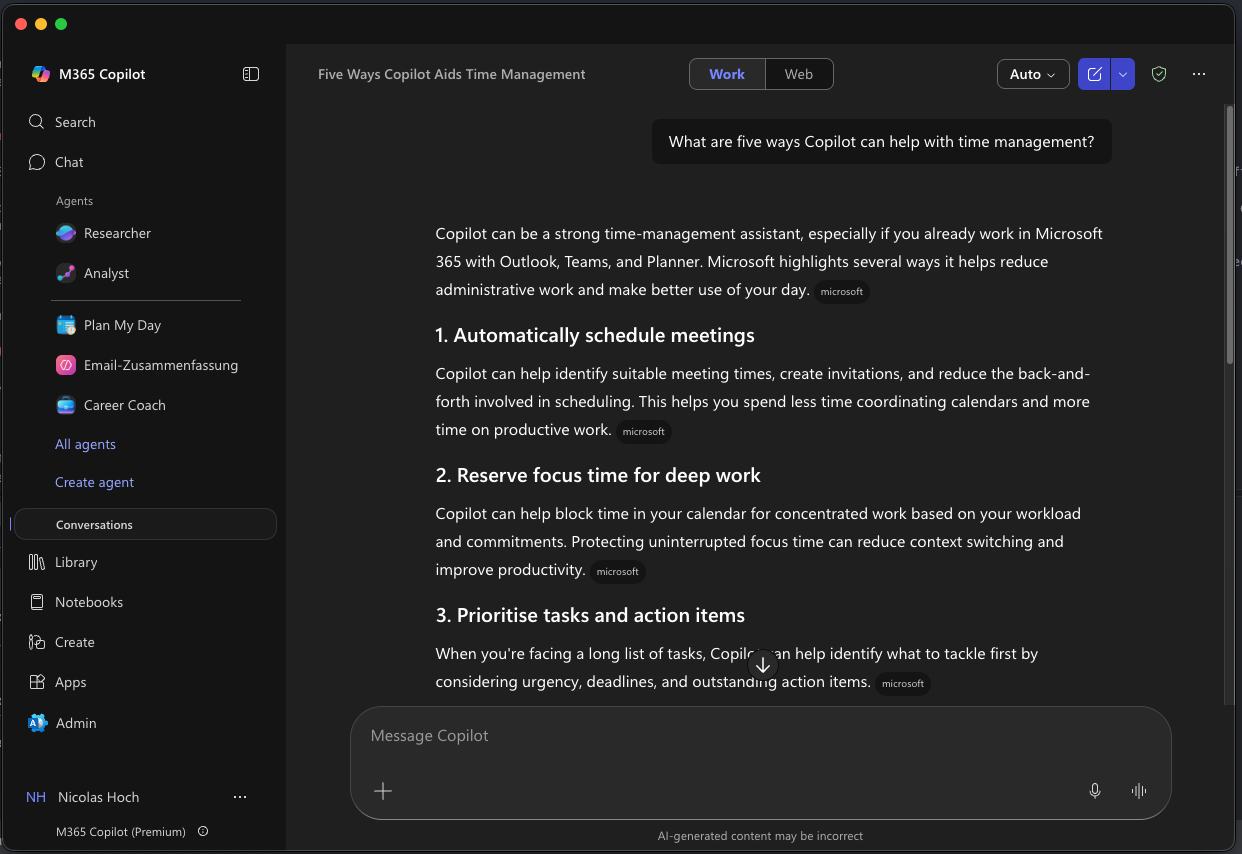
What is Microsoft Copilot? The short answer
Microsoft Copilot is not a single product. The name represents a family of AI assistants, chats, and agents with different audiences, data access, licensing models, and places of use. Alongside Microsoft 365 Copilot, the family includes products such as GitHub Copilot, Security Copilot, and Azure Copilot.
For everyday office work in Microsoft 365, four offerings and paths for expansion matter most: the general Microsoft Copilot for personal and web-based tasks; Microsoft 365 Copilot Chat for users of eligible Microsoft 365 subscriptions; Microsoft 365 Copilot with an additional license and work context; and Agent Builder, Copilot Studio, and other development paths for custom agents and processes.
This is not an official Microsoft product-tier taxonomy, but a practical guide. The question 'Do we have Copilot?' is almost always too vague. A better question is: which Copilot works where, with which data, and under whose control?
For many organizations, Copilot is the most obvious first step into AI because Microsoft 365 already shapes day-to-day work. Copilot Chat is included in eligible subscriptions; full access to work context requires the additional Microsoft 365 Copilot license. This allows initial practical tests to begin without a new application landscape or custom AI infrastructure. It lowers the barrier to entry, but it does not replace clear use-case selection, data maintenance, or governance.
Copilot is a product family. A sound decision must consider the product, license, data access, and governance together.
Why Copilot seems relatively quiet despite Microsoft's reach
In January 2026, Microsoft reported more than 450 million paid Microsoft 365 commercial seats. In April 2026, it reported more than 20 million paid Microsoft 365 Copilot seats. The figures come from two consecutive quarters and should not be turned into an exact adoption rate. They nevertheless show the enormous difference between the existing Microsoft 365 base and the reach of the paid Copilot offering to date. Source: Microsoft FY26 Q2, Source: Microsoft FY26 Q3
At the same time, Microsoft reports increasing activity among existing Copilot users. In its FY26 Q3 call, the company said queries per user had risen by nearly 20 percent quarter over quarter and that weekly engagement had reached the same level as Outlook. These are company statements from an investor call, not an independent usage study. Even so, they do not fit the simple narrative that Copilot is being ignored altogether.
My view is therefore more nuanced: Copilot is not insignificant; it is perceived differently. ChatGPT and Claude are often discussed as standalone AI products. Copilot, by contrast, appears in many places inside an existing Microsoft environment. It may be less visible in public debate while still becoming highly relevant inside a particular organization.
Microsoft Copilot for general tasks
The general Microsoft Copilot is the free consumer version for personal tasks. It answers questions, supports research, writes and summarizes content, and is available through the browser, several apps, Edge, and Bing. It does not require a business Microsoft 365 Copilot license.
For organizations, it is important not to equate this product automatically with Microsoft 365 Copilot. Microsoft itself recommends that users do not enter sensitive or proprietary work information into the consumer version. A personal web assistant and an assistant operating under the terms and controls of a Microsoft 365 organization serve different purposes.
Microsoft Learn explains the Copilot offerings and their intended audiences.
Microsoft 365 Copilot Chat
Microsoft 365 Copilot Chat is the protected AI chat experience for organizations with an eligible Microsoft 365 subscription. For licensing purposes, Microsoft distinguishes between web-based and work-based chat.
The web-based option is included with eligible Microsoft 365 subscriptions at no additional Copilot license cost and returns results primarily grounded in the internet. Users can deliberately upload content or work with the currently open content in selected Microsoft 365 applications. However, the chat is not automatically grounded in all of the organization's emails, files, and meetings. Work-based chat can access information visible to the signed-in work or school account and requires a Microsoft 365 Copilot license. Source: Microsoft Learn on Copilot Chat, Source: Microsoft Learn on Copilot licensing
According to Microsoft, both business options are covered by Enterprise Data Protection. Prompts, responses, and data accessed through Microsoft Graph are not used to train the underlying foundation models. This does not remove the need to review the specific configuration: web search queries and connected agents may be subject to their own terms, and Microsoft states that the EU Data Boundary does not apply to web search queries. Source: Microsoft Learn on Enterprise Data Protection
Microsoft 365 Copilot with work context
Microsoft 365 Copilot is available as an add-on license for eligible Microsoft 365 plans. It adds responses grounded in work data such as files, emails, chats, meetings, and people, along with more advanced capabilities inside Teams, Outlook, Word, Excel, PowerPoint, and other Microsoft 365 applications.
This is the part of the product family that interests me most for the practical test. The advantage is not meant to be merely another capable language model. The real difference is context: Copilot sits where work already happens and can draw on information from the Microsoft 365 environment, provided that the individual user is permitted to access it.
Agents with Agent Builder and Copilot Studio
Copilot does not end with chat. Agent Builder in Microsoft 365 Copilot can create simple agents for specific scenarios. They are primarily suited to personal tasks or small teams and can, for example, use selected SharePoint content or Microsoft 365 connectors.
For a larger audience, multi-step workflows, custom integrations, and more granular governance, Microsoft points to Copilot Studio. Pro-code paths are also available for more individual orchestration, models, and integrations. Source: Microsoft Learn comparison of Agent Builder and Copilot Studio, Source: Microsoft Learn on agent types
How I will test Copilot over the coming weeks
I do not want to defend Copilot reflexively or dismiss it because of a few disappointing answers. I will therefore structure the test around concrete questions about day-to-day work.
Does Copilot fit the actual workflow? I will look at whether it helps with research, documents, emails, meetings, and recurring tasks where the work already takes place. Opening another chat is easy. The more interesting question is whether the integration genuinely reduces friction.
Is the available context useful? I will document which sources Copilot actually draws on and whether work context improves the results compared with web-based chat.
Are the results reliable enough? I will test repeatability, traceability, and the required professional review effort using specific tasks.
Does it create a measurable benefit? I will not merely judge whether a feature looks interesting. What matters is whether it saves time, reduces follow-up questions, improves decisions, or reliably simplifies a step in the work.
Which governance issues become visible in daily use? I will record where permissions, knowledge sources, ownership, and offboarding have a concrete effect on usage.
The next articles examine Copilot from four perspectives:
- practical time savings in email, meetings, and documents,
- the value and limits of the existing Microsoft 365 work context,
- the effects of data quality, permissions, and governance,
- the boundary between standard Copilot, Agent Builder, Copilot Studio, and a custom AI solution.
At the end of the series, the goal is not a general product recommendation, but a robust decision guide: For which tasks is Copilot sufficient, which prerequisites must be created first, and when does an organization need a different architecture?
What organizations should take away from this overview
Copilot is neither just another chatbot nor automatically a complete AI strategy for an organization. It is a product family that ranges from a general web assistant to work-based chat and custom agents.
Microsoft's advantage is obvious: the applications, identities, and data sources are already present in many organizations. That does not mean that every Copilot option is automatically available, useful, or ready for production.
The first step should therefore not be to buy as many licenses as possible. It should be to clarify which Copilot is meant to help which users, with which task, and with which data.
That is where my practical test begins. For an overview of the technical starting point, read Microsoft 365 as an AI foundation.
Anyone who does not want to wait until the end of the series and already needs to evaluate a specific Copilot use case can use the free AI potential assessment to review the data situation, expected value, and suitable architecture with me.